We have prepared a short video that shows step by step how to properly connect a Telegram account to Onlypult:
In order to connect Telegram:
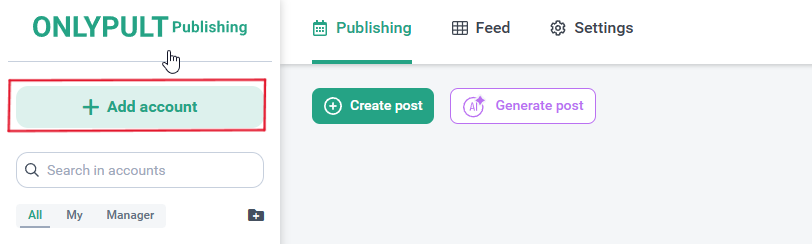
- On the “Posting” tab, click “Add Account”.
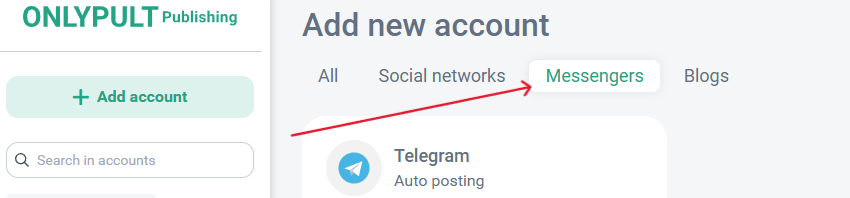
- Select the Telegram icon.
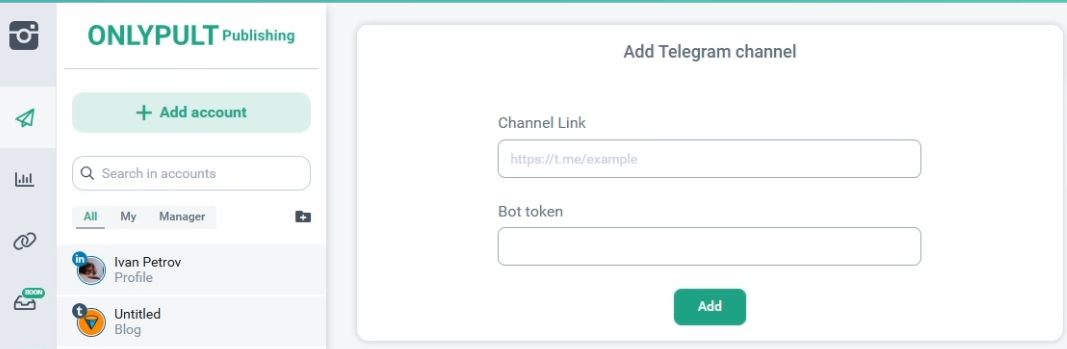
- Enter the link to the channel and the token. Click “Add”.
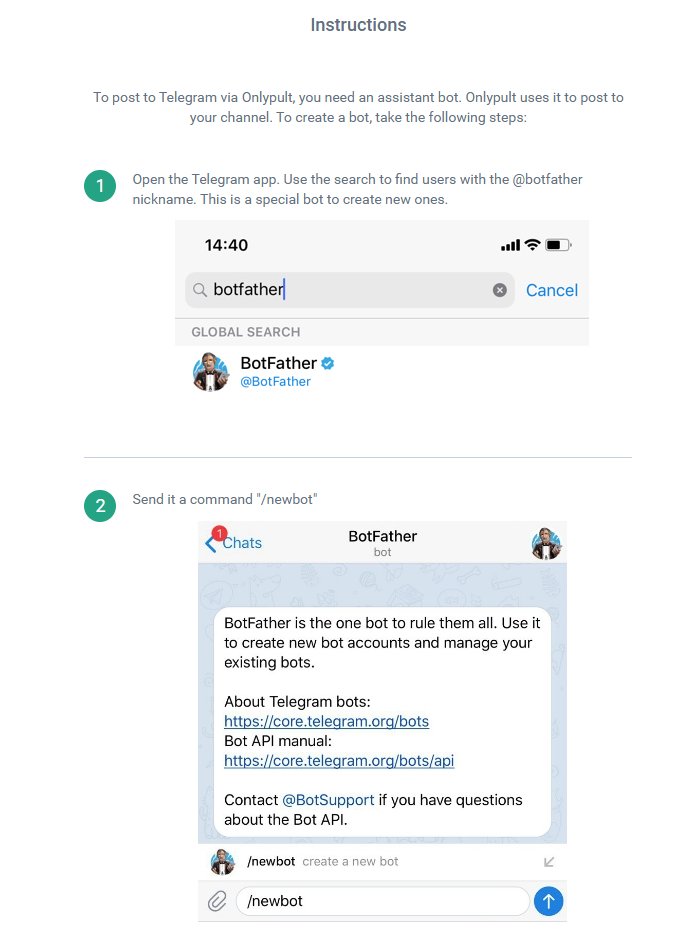
- If you don’t know where to get the token and link, there are detailed instructions below for adding the channel.
5. Your account has been successfully added! 🥳