

Web Release 261.0
Connect Telegram with a QR code and get reliable media-processing status in the Public API.
 By Denny Beats, Product Owner

This release adds QR sign-in for Telegram and fixes media upload status in the Public API.
New
Connect Telegram with a QR code
When adding Telegram via authorization, QR sign-in is now the default. Open Telegram on your phone, go to Settings → Devices → Link Desktop Device, scan the code shown in Onlypult, and choose the chats to connect. Onlypult connects through the Telegram API.
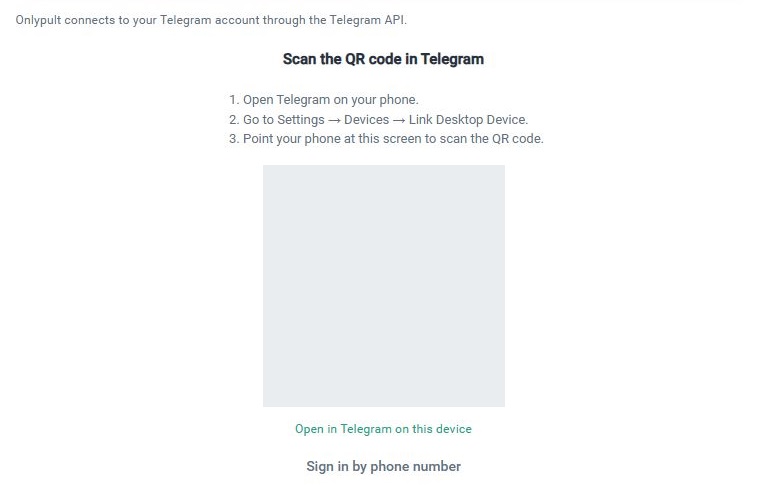
If two-step verification is enabled in Telegram, enter your cloud password before choosing chats. If the QR code expires, use Refresh to get a new one.
You can still choose Sign in by phone number. The code arrives as a message in the “Telegram” chat in your Telegram app, not by SMS. A new code is not requested while the previous one is valid.
Resetting the wizard or switching from an unfinished phone sign-in to QR closes that unfinished sign-in. For a returning user, Telegram may allow sign-in without another code.
Fixes
Reliable media upload status in the Public API
GET /v1/media/upload-status/{token} now returns pending while any file is still being processed. It returns done only after all files are ready. Both the upload response and the status response include the file URL straight away.
Wait for done before creating a post with the uploaded files using media_ids. For large files and videos, use the media upload flow and check its status rather than passing remote media URLs directly when creating a post.