
If you’re in charge of your company’s social media marketing campaign, you’ll probably concentrate mostly on creating content and growing your audience.
And yet, when posting content and creating new social media profiles, there’s one thing you shouldn’t forget about: managing account access. It might seem easy to do, but it’s an important task that carries risk with it.
Why Managing Access Is Important
As your business grows, your team will expand. More employees, contractors, and even agencies will be granted access to your social media accounts to perform various tasks. But do you know exactly who has access to your accounts?
Granting access to accounts can expose you to risks like information leakage and losing control over your business page management.
For example, you might not notice an ex-employee who still has access and could delete everything on your Facebook account or post malicious content.
The Risk of Too Many People Being Able To Log In
As the number of users on your accounts increases, the risk of mistakes also rises. Perhaps someone left the team a while ago, but you didn’t remove their access.
Or maybe you allowed an agency temporary access, but forgot to revoke it afterward. These are common scenarios that can lead to a security breach.
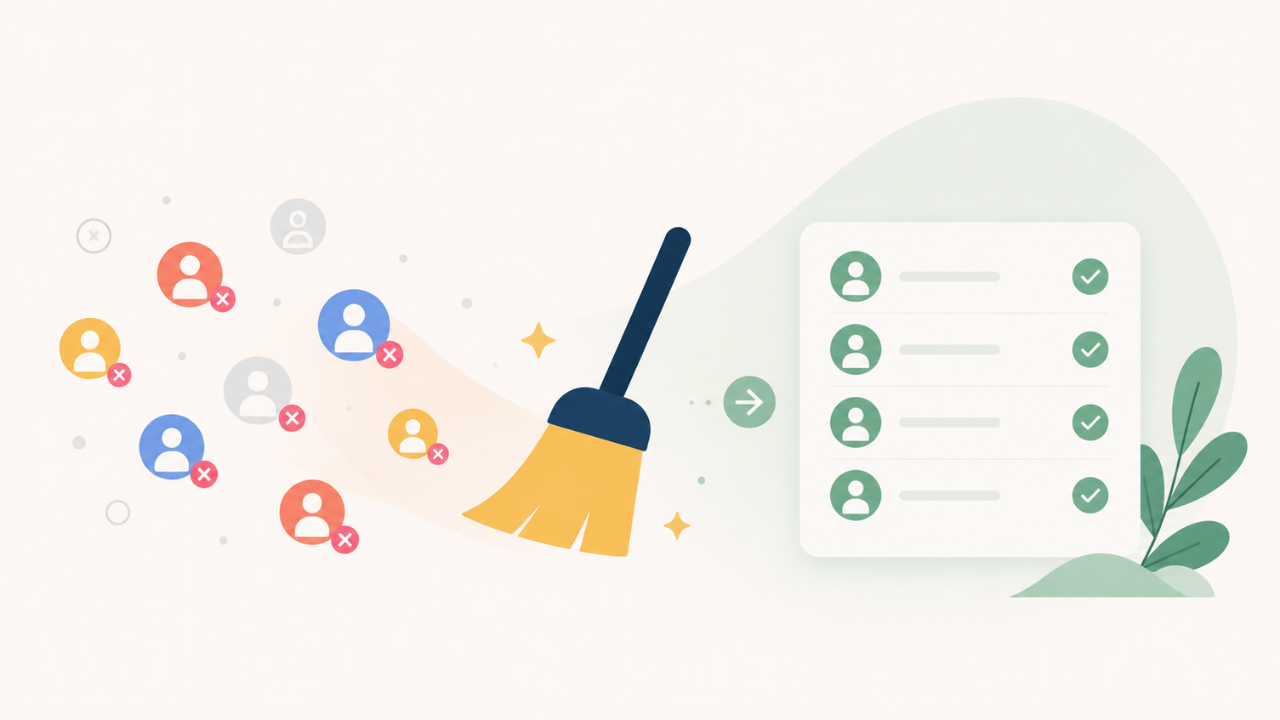
It’s important to regularly monitor who has access to your accounts. Remove anyone whose role has ended, no longer works with you, or simply no longer needs access to the account, or you might risk a variety of issues:
- Someone posts from the wrong account: It happens more often than you’d think – a former social media manager juggling multiple brands accidentally posts something meant for another client. Best case, it’s confusing. Worst case, it exposes something that wasn’t meant to be public.
- A bad exit turns into a PR problem: If someone leaves on poor terms and still has access, they could post something damaging or delete content. It only takes one post to create a headache.
- Outdated posts go live: A freelancer who hasn’t worked with you in a while might still have access and jump in to “help,” but end up sharing old messaging, expired offers, or branding that no longer fits.
- Old logins become a weak point: If a former contractor reused passwords or didn’t have strong security, their account could get hacked – and your social channels become an easy target.
- Money gets spent without anyone noticing: If ad account access hasn’t been cleaned up, someone could accidentally launch a campaign or test something using your budget.
- Private messages aren’t so private: Social accounts often hold customer conversations, emails, and other sensitive info. Former team members being able to see that is a quiet but real risk.
- Too many cooks in the kitchen: If an old agency still has access while a new one is working on the account, things can get messy fast. Overlapping posts, mixed messaging, or changes being undone.
- No one knows who did what: When access isn’t cleaned up, it becomes harder to track who’s responsible if something goes wrong.
The Importance of Protecting Your Accounts
Security goes beyond just passwords and access. If your team works remotely or uses public Wi-Fi, it’s equally important to secure their online activity. A Virtual Private Network (VPN) can help by encrypting data and protecting it from being intercepted by hackers.
For social media teams, connecting to different VPN servers ensures that connections to accounts are safe, especially when accessing them through less secure or public networks. This additional layer of protection can significantly reduce the risk of a security breach.
How to Secure Your Accounts
Keeping company social media accounts safe requires regular attention. It would be strange to leave your office door open for months, so why leave your social media accounts unchecked? Here’s how to do it:
- Limit Access
Allowing too many people access to your accounts is risky. The fewer people who can log in, the better. Only grant access to those who really need it.
Use Role-Based Permissions Assign permissions based on team members’ roles. This ensures that only the necessary information is accessed by the right people.
Conduct Regular Audits
To avoid data leaks, review access and users regularly. Remove access to social media accounts from those who haven’t worked for you (or on that specific account) lately.
- Use Two-Factor Authentication
Enable 2FA for an extra layer of security. Even if someone gets their hands on one of your employees’ passwords, they’ll need a second code to log in.
- Use a Password Manager
Require all your employees to use a password manager: that way, new passwords will be strong, unique, and won’t accidentally get shared or leaked.
- Teach Your Team About Security
To minimize mistakes related to social media accounts, remind your colleagues not to log into accounts on unsecured devices and to log out when they’re done.
Why This Should Be an Ongoing Process
Managing access to social media accounts will become an ongoing process as your business grows, along with the number of employees and agencies.
It’ll be necessary to continue monitoring current account users to avoid potential risks associated with granting permissions to too many people.
Account security is as important as content creation itself. It’s easy to lose your head over audience growth, but managing the accounts and limiting who has access to them will save your brand from huge potential problems.
Conclusion
Managing access to your company’s social media accounts is crucial. Don’t delay in cleaning up account access to prevent potential security breaches.
Limit access, perform regular audits, and implement protective measures such as 2FA, password managers, and other security tools to protect your company – and that goes for more than just social media accounts.