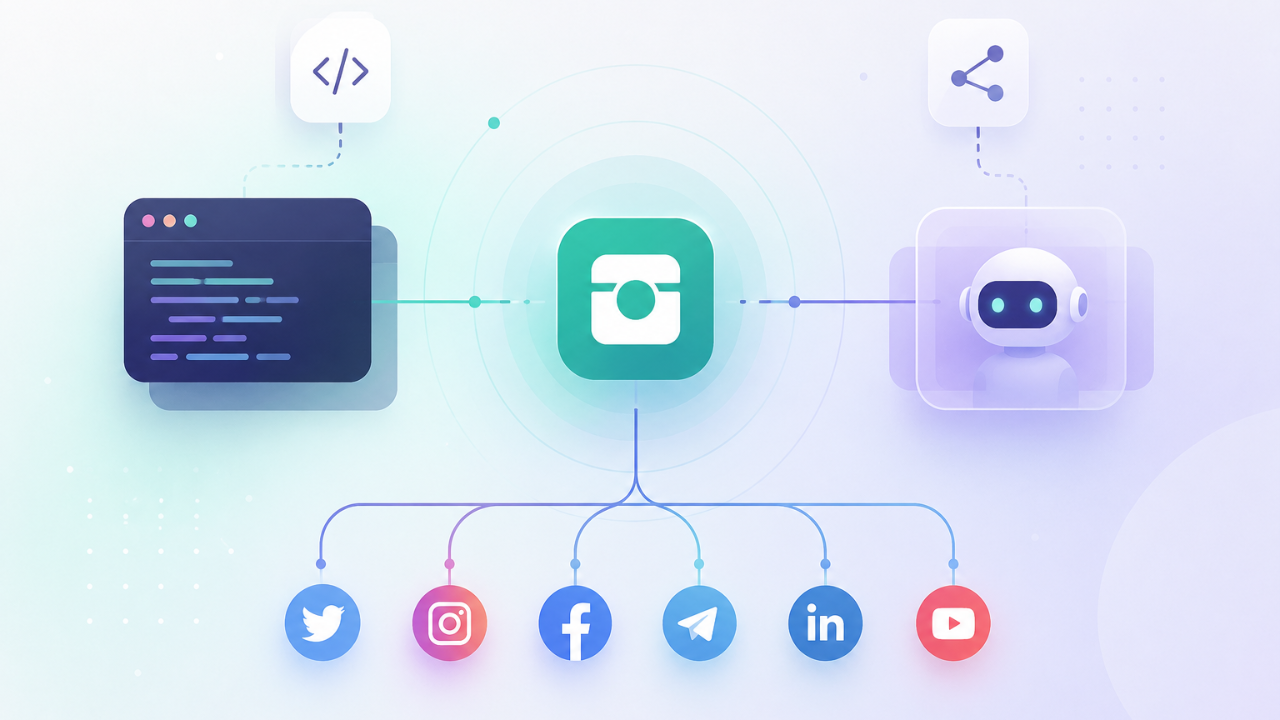

Onlypult now gives you two ways to manage publishing programmatically: a public REST API for your own code and automations, and an MCP server for AI agents like Claude that call Onlypult themselves — no code required. Use the API when your service or an n8n/Make/Zapier flow drives the posts; use MCP when an agent in a chat drives them. Both work against the same objects — accounts, media, posts, drafts, schedule — and both publish to Instagram, Facebook, LinkedIn, TikTok, YouTube, Pinterest, Threads, X and more from one place. Below: how the API differs from MCP, how an agent assembles a post, how to hand it an image without leaving the chat, how to stop it from publishing anything you didn’t approve, and how to start in five minutes.
How the Onlypult API differs from the MCP server
The API and MCP solve different problems, and the choice comes down to who drives publishing — your code or an agent. The Onlypult API is a standard REST interface: you send HTTP requests with an Authorization: Bearer key, get JSON back, and wire it into your product, backend, or a Zapier/Make/n8n flow. Onlypult MCP is the same capability wrapped in the Model Context Protocol — an open standard from Anthropic that lets an AI agent connect to a service and call its functions on its own. The practical difference: the API runs the code you wrote along the logic you defined, while MCP is called by an agent based on the meaning of the task — you say “turn this article into posts for LinkedIn and Instagram and save them as drafts,” and it decides which tools to invoke.
The rule of thumb is simple: for a programmatic, predictable flow, use the API; for a conversational one where the agent makes the call, use MCP. Scheduling posts from your CRM or a cron job is API territory. Having Claude assemble a content week in a conversation is MCP territory. Under the hood they hit the same data, so you can combine them: the agent prepares drafts through MCP while your backend tracks their status through API webhooks.
What the API and MCP can actually do
Both the API and MCP cover the full life of a post — from connecting an account to repairing a failed publish. Onlypult deliberately exposes not just “create a post” but the whole lifecycle: connecting profiles, uploading and validating media, drafts, scheduling, publishing, approvals, and failure tracking. That’s what separates a real publishing layer from a narrow “create-only” API where the agent can only create a post and goes blind on everything after it.
| What you need | API / MCP tool | What it gives you |
| Connect a client’s account without a password | hosted OAuth connect-link | he client authorizes it; the password is never shared |
| See connected profiles | listProfiles / profiles_list | “where can I even post” |
| Know what a platform will accept | getProfileCapabilities | limits and formats before the error, not after |
| Upload media by file or by URL | createMedia / media_urls | assets from a generator arrive by link |
| Validate media against a platform | validateMedia | reject bad files before creating the post |
| Create a draft or scheduled post | createPost / posts_create | multi-profile as a post group |
| Send for sign-off | /approvals | a human in the loop before it ships |
| Find and re-send failed posts | posts_list_failed / posts_retry_all_failed | the agent fixes, it doesn’t only post |
| Receive publish events | webhooks | your backend knows the status in real time |
The last two rows are what most competitors don’t have. An agent connected to Onlypult can not only publish, but also work out what didn’t go out and re-send it in one call — the “show me what failed overnight and fix it” scenario closes in a single sentence.
How an AI agent publishes a post through Onlypult MCP
The agent assembles a post in four steps, and the first one isn’t “create a post” — it’s “understand the context.” The correct sequence is: the agent first calls account_get to learn the timezone and plan horizon (otherwise the post lands in the wrong timezone), then profiles_list to see the real accounts rather than guess them. Only then does it write per-platform text and call posts_create. Order matters: an agent that skips the context step schedules posts at the wrong time and references profiles that don’t exist.
The key instruction to give an agent is draft by default. Onlypult MCP supports both instant publishing and scheduling, but in an agentic setting it’s safer to ask for is_draft — the agent assembles the posts, and you review them before anything ships. Publishing becomes a separate, deliberate action rather than a side effect of the conversation. This is the case where a constraint is a safeguard, not a weakness: between “the agent wrote a post” and “the post is live on a client’s feed” there is always a human.
How to hand an image to the agent without leaving the chat
The most common breaking point in the “AI generator → publishing” chain is passing the image — and Onlypult has a path for it that doesn’t require switching tools. When the agent runs in the cloud (Claude on claude.ai or in Cowork), the MCP server is connected through Anthropic’s servers and cannot see your computer’s disk — so “just attach the file” doesn’t work, and many people leave the chat for Claude Code just to move one image. Onlypult solves it differently: posts_create accepts up to 10 public URLs in the media_urls field, and any AI image generator (Higgsfield, Nano Banana, and others) returns its result as exactly that — a public link.
In practice, the asset travels “generator → public link → Onlypult downloads it itself,” never touching your disk. We verified this in a live run: an image generated in Higgsfield went to three profiles across two platforms in a single posts_create call — Onlypult ingested it by URL and re-hosted it on its own CDN, with nothing published. The takeaway for anyone building a pipeline: if the asset is reachable at an HTTP(S) URL, there’s no need to switch tools — the whole cycle stays in one chat.
How Onlypult compares to other social-publishing APIs and MCP servers
Against other programmable publishers, Onlypult’s edge is that it exposes the whole loop — and exposes it both as an API and as an MCP server. The agentic-publishing space is filling up fast, but the options tend to specialize: some MCP schedulers cover a set of Western networks but gate the MCP behind paid plans; an official Buffer MCP exists but its API is create-only; Postiz is open-source but you self-host it; Zapier MCP reaches thousands of apps but each action is configured by hand. Onlypult sits in a different spot: full lifecycle, a real sandbox, approvals, and both a code path and an agent path over the same data.
The honest test isn’t “can the agent publish” — it’s “can it publish safely, and everywhere you need.” According to the independent xpay index (a live read of onlypult.com in May 2026), Onlypult was rated agent-ready — every plan is self-serve with public pricing — while at that time no public API documentation was yet visible from the outside, which is exactly what made this layer underrated. The differentiator to build on isn’t the presence of an API; by now that’s table stakes. It’s how completely the loop is covered and how much control you keep over it.
How to stop an agent or script from publishing anything you didn’t approve
Safety here is built in four layers, and the first is a sandbox, not production. The Onlypult API provides a separate sandbox environment with test keys (opk_test_…) where you can run the whole flow without publishing anything to real accounts. That’s the right first step for any integration: the pipeline runs in the sandbox first, then flips to live keys.
The second layer is granular per-tool permissions. In Claude, connector permissions are set not “all or nothing” but per tool: reading profiles and creating drafts can be “Always allow,” while publishing and deleting can be “Needs approval.” That way the agent gets hands but not the “publish” button without your confirmation — which is precisely what guides advising “allow the agent everything” never mention. The third layer is approval itself: the Onlypult API declares a sign-off queue (/approvals) where a post goes to a human before it ships. The fourth is idempotency: post mutations accept an Idempotency-Key, so a retried call after a network blip doesn’t create a duplicate. Together this means agentic publishing can be switched on gradually and under control, rather than as “trust it and hope.”
How to start in five minutes
The easiest way to start is with the path that matches your task — and with the sandbox. If you’re a developer or building an automation, grab an API key in settings, point requests at the sandbox environment, and run createPost in draft mode; going live is swapping the key from opk_test_ to opk_live_. If you work through an AI agent, add Onlypult as a connector in Claude (Customize → Connectors → custom connector → MCP server URL), authorize it, and set read and draft tools to “Always allow” while keeping publishing on “Needs approval.”
The first rookie mistake is not setting permissions and getting an approval prompt on every single call, which stalls the pipeline on step one. The second is working against live accounts instead of the sandbox. Both take a minute to fix in settings. After that there’s one check: ask the agent to “show my connected accounts,” or call listProfiles — if a list of profiles comes back, everything is wired up correctly.
API vs MCP: which to choose
| Criterion | Onlypult API | Onlypult MCP |
| Who drives it | your code/flow | an AI agent (Claude and others) |
| How it’s called | HTTP requests with a Bearer key | the agent, by task meaning |
| When to use | a predictable, programmatic flow | conversational content assembly |
| Sandbox | opk_test_ keys, sandbox URL | via the same account |
| Media | by file or by URL | by public URL (media_urls) |
| Draft by default | yes | yes (is_draft) |
| Approval | /approvals queue | per-tool permissions + approval via API |
| Repair failed posts | webhooks + re-send | posts_list_failed / posts_retry_all_failed |