Onlypult Blog — social media tips, news, interesting cases, and useful updates

New features in Onlypult
Polls for Telegram, stickers for Telegram Stories, music for Reels, and access to Analytics through a connected AI assistant.
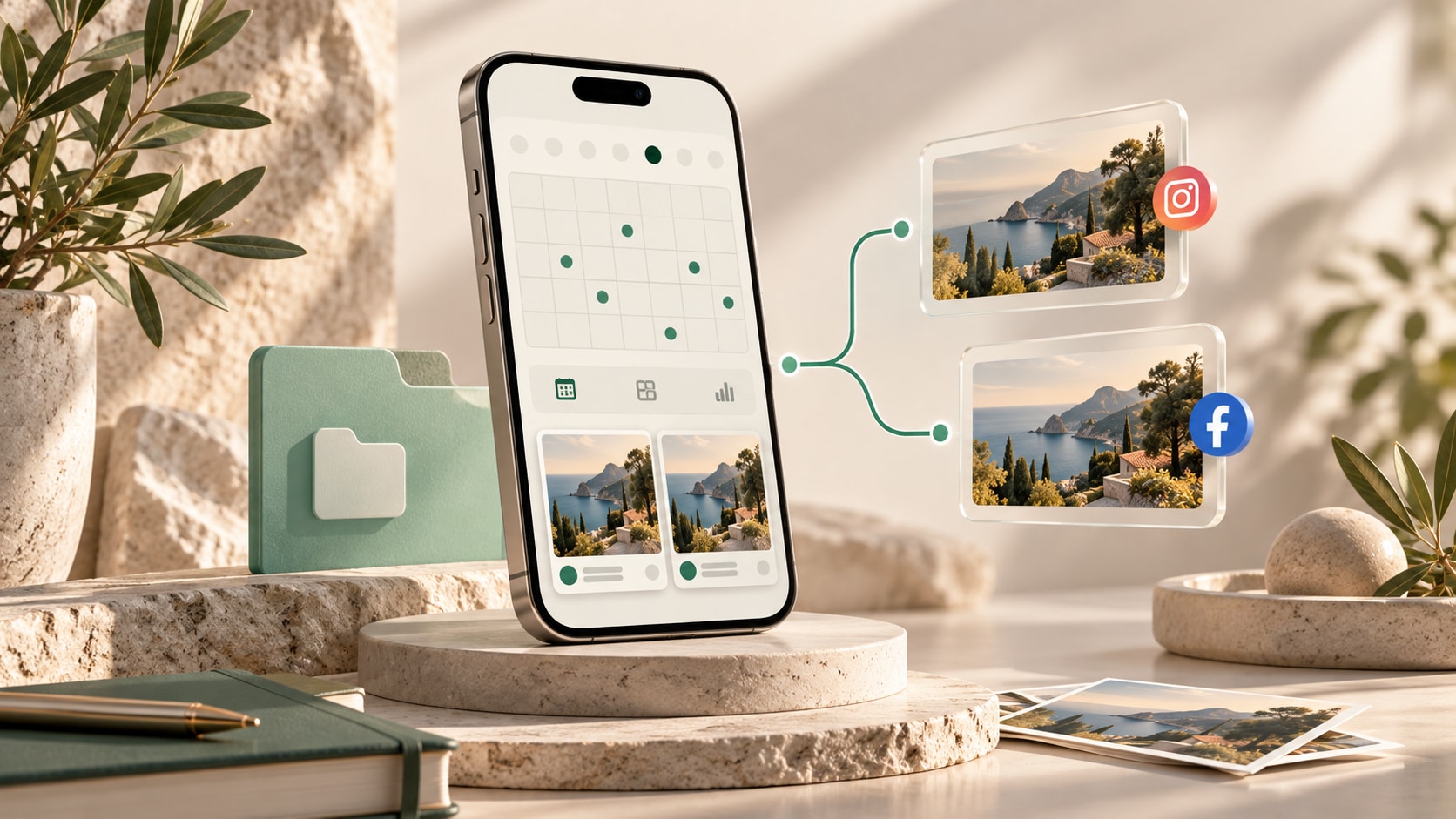
The new Onlypult for iOS
Onlypult 3.0.7 for iPhone and iPad adds a new interface, Projects, crossposting, and updated editor and calendar views.

Onlypult Projects: One Workspace for Every Client and Brand
Keep each client’s social profiles, content calendar, and approvals together. Here’s how to organize multi-brand social media work with Projects in Onlypult.

Onlypult Major Update: File Manager, Improved Social Inbox, and More
This release introduces a File Manager for storing and organizing media, direct Instagram integration with Social Inbox via the official API, more flexible retry settings for failed posts, alt text support for Bluesky and Tumblr, and a translation widget for developer pages.

The Future of Digital Engagement: How Social Media Is Transforming Modern Brands
Social media has become one of the most powerful forces influencing modern business. What started as a way for people to communicate with friends, share photographs, and discover new interests has developed into a global environment where companies build communities, introduce products, provide customer service, and shape their public identity.


Onlypult: a Planable Alternative With More Channels, Flat Pricing and AI Visuals
Planable is a strong tool for visual collaboration and post approval, and it schedules and publishes to 9 networks. The real differences are elsewhere. Onlypult publishes to 16 channels, including VK, Telegram, and blogs like WordPress and Medium
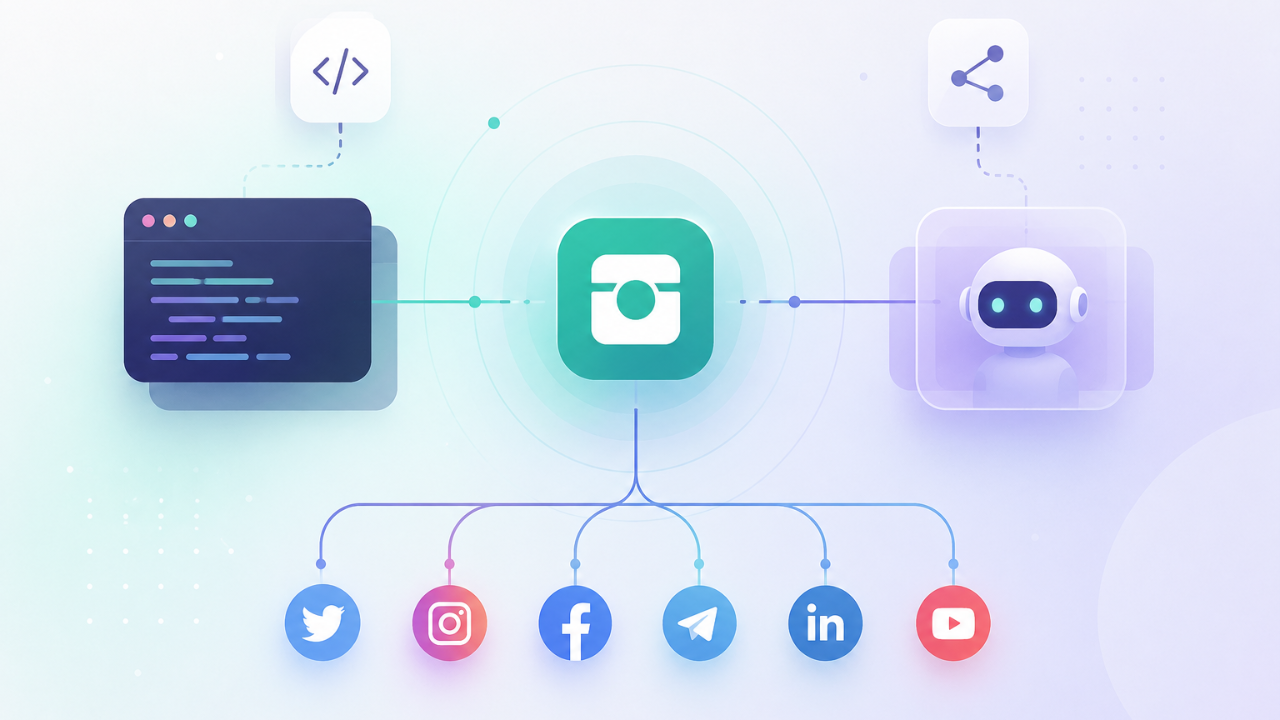
Onlypult API and MCP: Connect Social Publishing to Your Code and to Your AI Agent
Onlypult now gives you two ways to manage publishing programmatically: a public REST API for your own code and automations, and an MCP server for AI agents like Claude that call Onlypult themselves — no code required.

How YouTube Creators Build More Likes with Engaging Content
A like is the simplest, honest verdict a viewer gives: that was worth it. Useful, fun, moving, worth the minutes whatever the reason, the tap means the video landed. For a creator, that's a signal. It tells you the content is connecting, and it tells the next stranger something too: a video with real likes reads as trustworthy, which makes new people more willing to give it a shot.

How Brands Turn Ordinary Photos Into Scroll-Stopping Social Media Visuals
How can a simple product photo, team picture, or daily business image turn into visual content that makes people stop, look, and act? The answer is not always expensive equipment or advanced editing skills. Often, it comes down to clear intent, clean composition, and a few smart visual choices.

Cleaning Up Access: The Task Most Social Media Teams Ignore
If you’re in charge of your company’s social media marketing campaign, you’ll probably concentrate mostly on creating content and growing your audience. And yet, when posting content and creating new social media profiles, there’s one thing you shouldn’t forget about: managing account access. It might seem easy to do, but it’s an important task that carries risk with it.